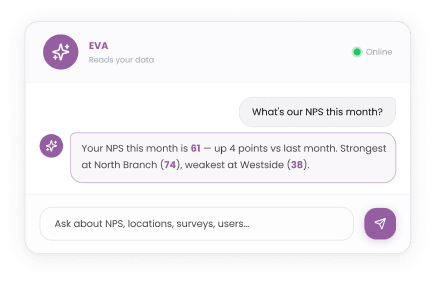

EVA
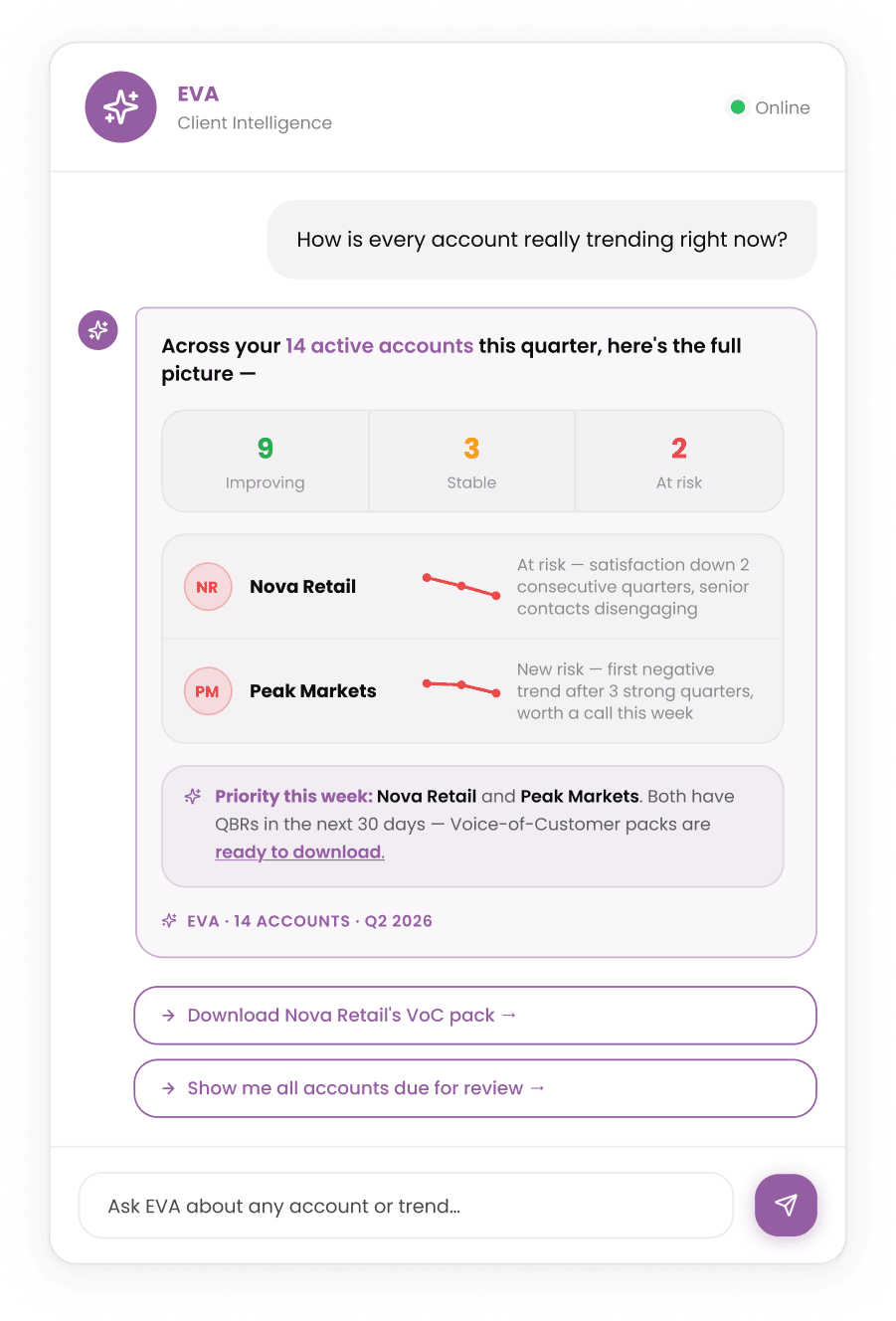
Ask how every account is really trending.
Ask EVA how each account is trending and get a clear, evidence-backed read across your whole client base.
Client Connect lets you run structured feedback programmes for your B2B accounts, sending branded invitations, tracking every send and reporting on the results.
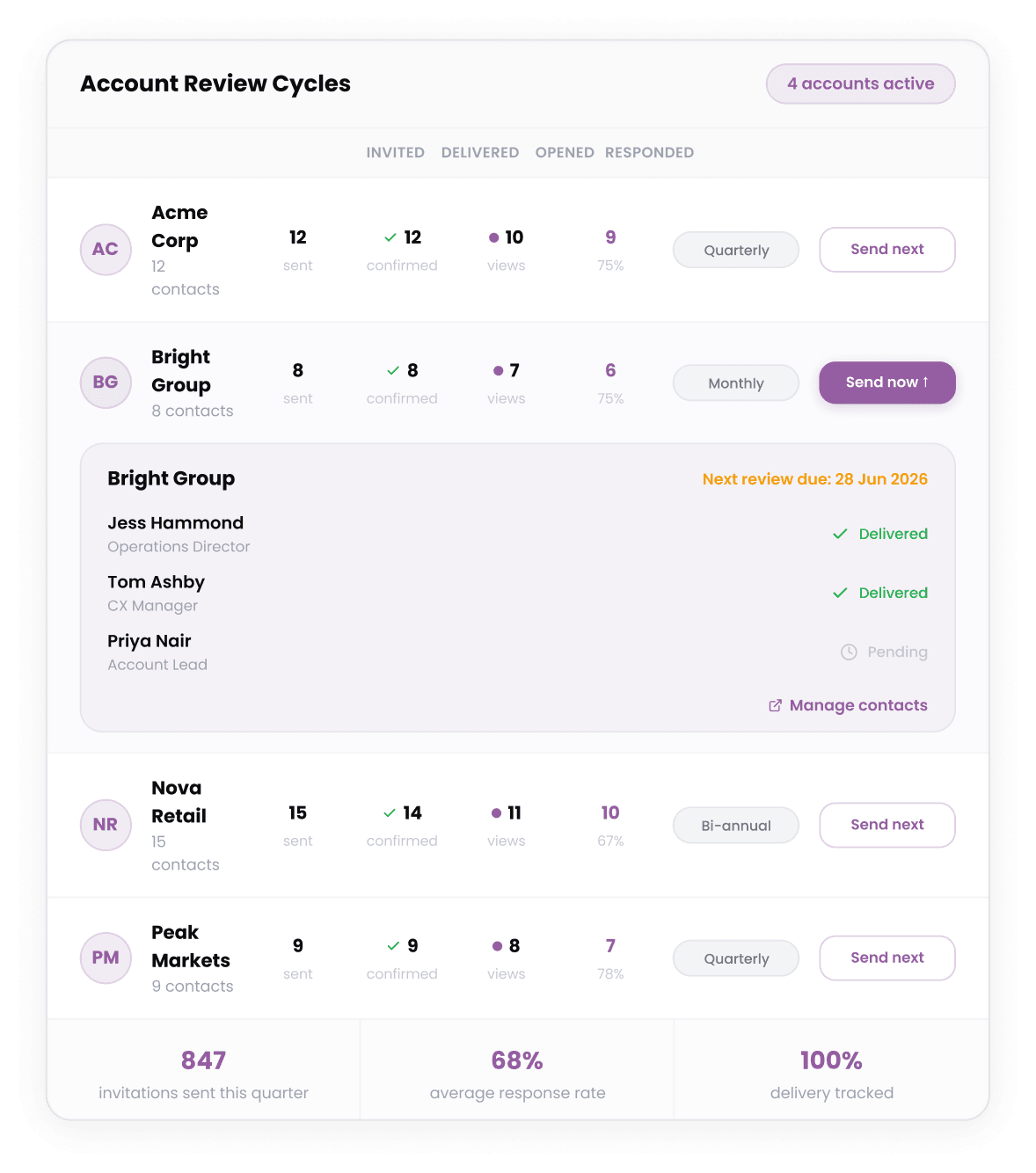
Choose the contacts, set the cadence and send. Every invitation is tracked from delivery to response, and the data lands in the same dashboards your account teams already work from each week.
Run structured feedback programmes for your B2B accounts, send branded invitations, and read every response beside the delivery behind it.
A managed invitation workflow, built on the survey engine.
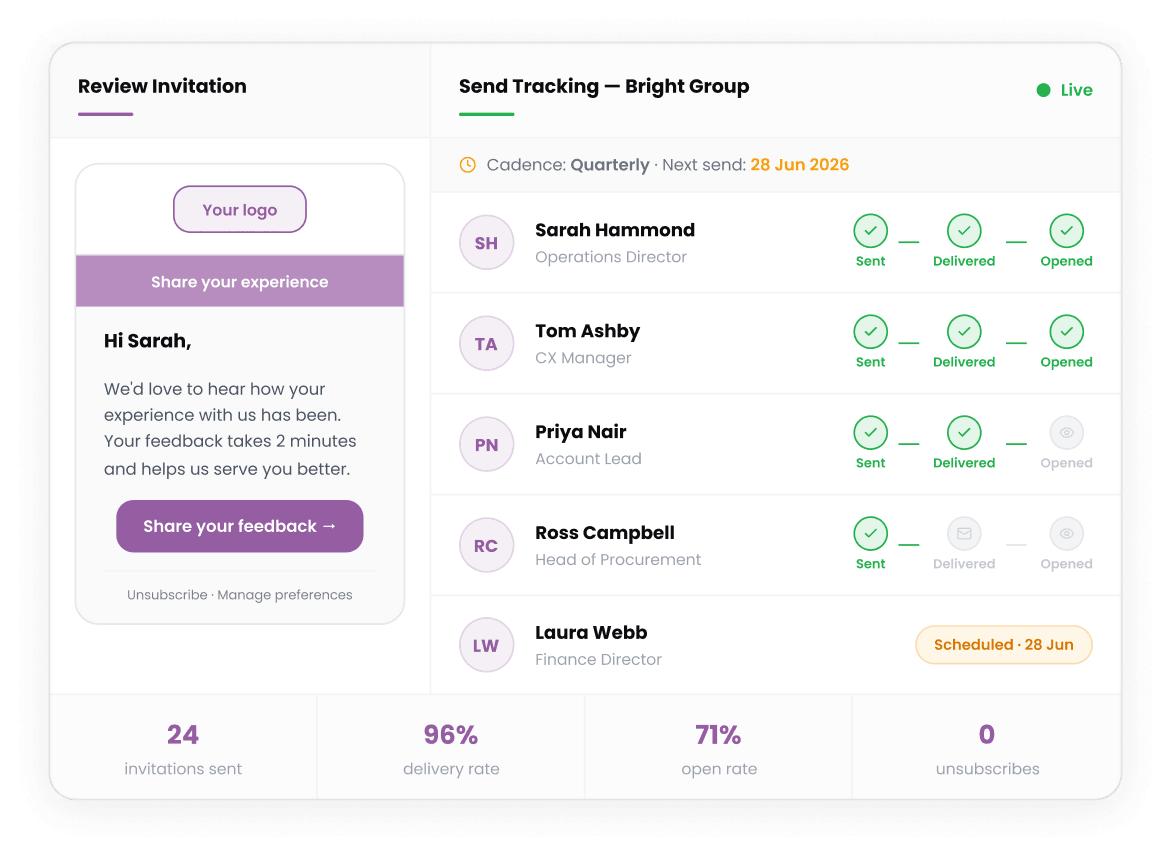
Send branded review invitations to your B2B clients on a set cadence, with every send tracked end to end.
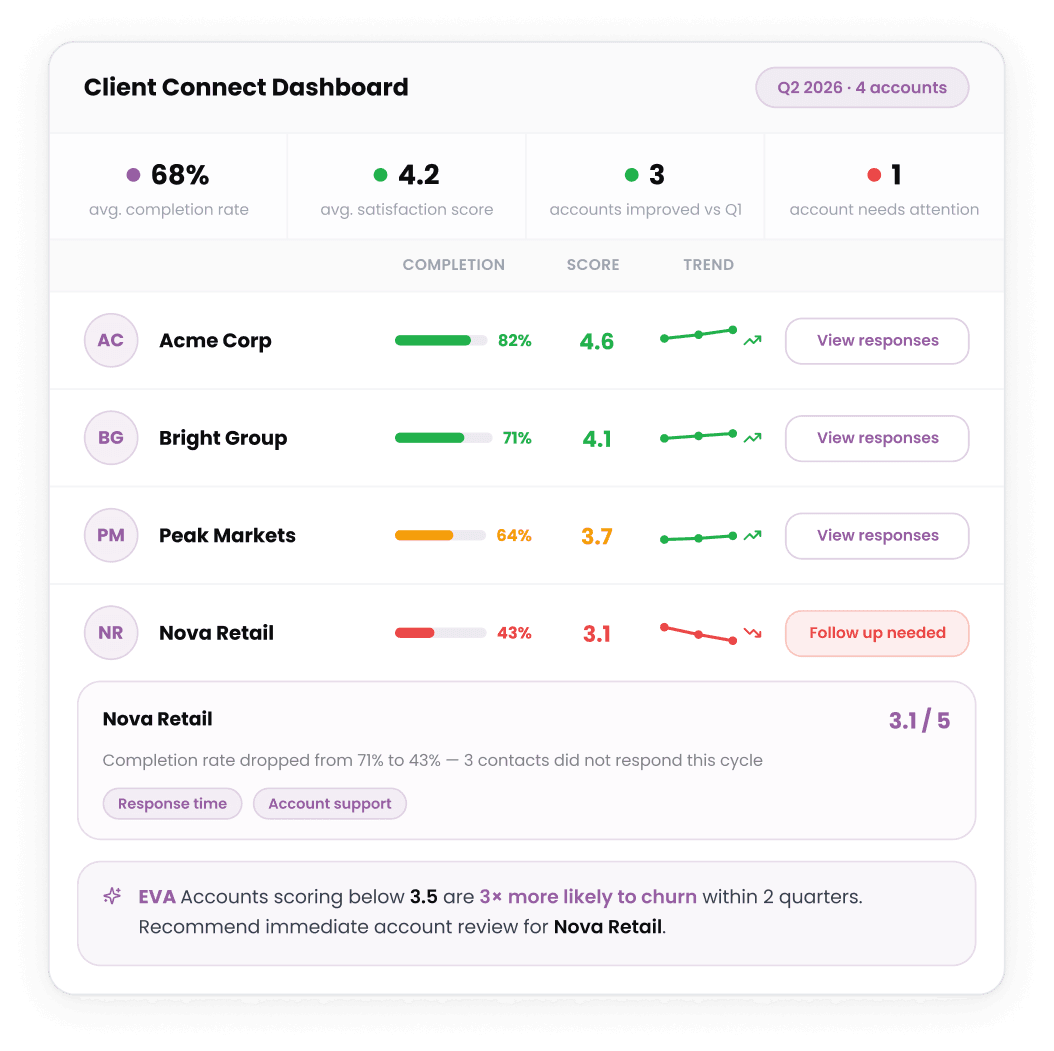
Responses return as structured data, with completion rates and trends on the Client Connect dashboard.
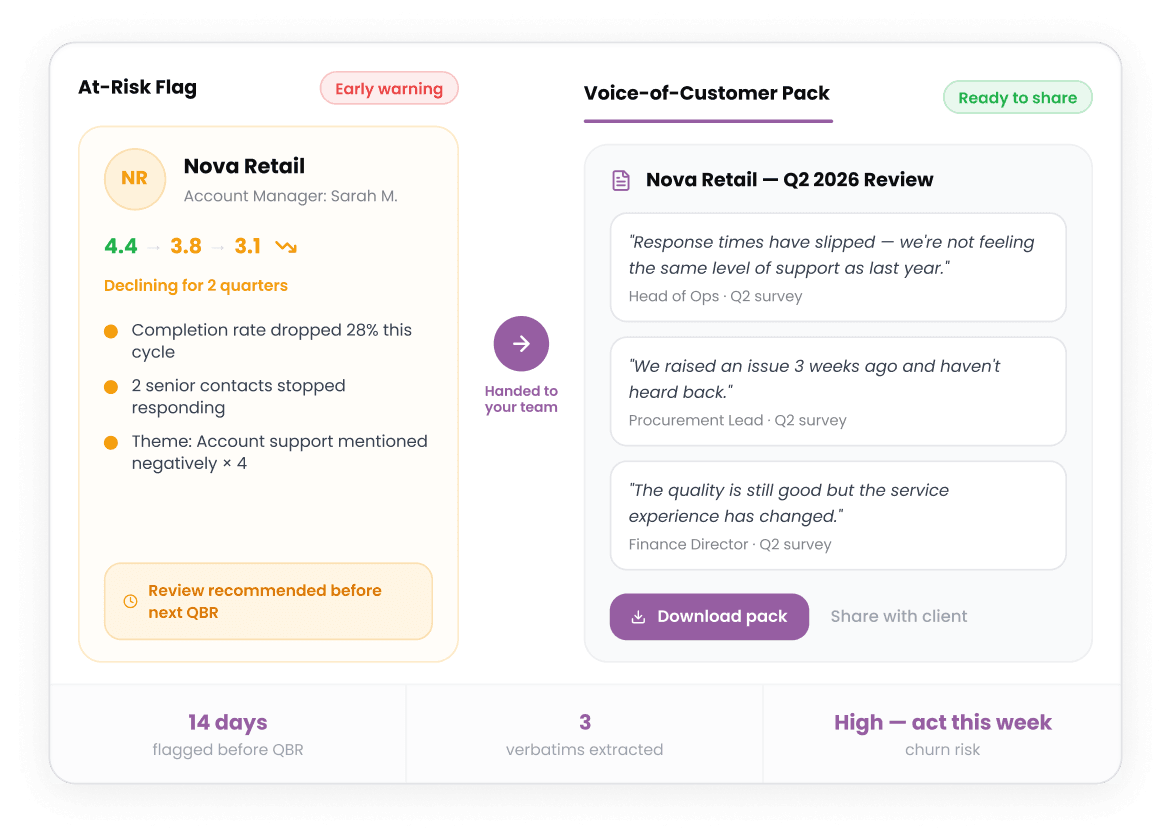
Serve First flags accounts at risk early and hands your team the Voice-of-Customer evidence to take back to the client.
How Serve First solves it
Serve First sits client feedback beside the audits, tickets and KPIs for that account, so you see the cause behind a score and protect the contract before renewal.
Ask EVA how each account is trending and get a clear, evidence-backed read across your whole client base.
The outcomes teams see once client feedback sits next to what you delivered.
Faster issue resolution
Net revenue retention
ARR growth
Survey response rate
“Serve First has transformed how we manage customer experience, giving us clear insights that have driven tangible results for our business.”

Senior Customer Experience & Training Specialist, The Body Shop

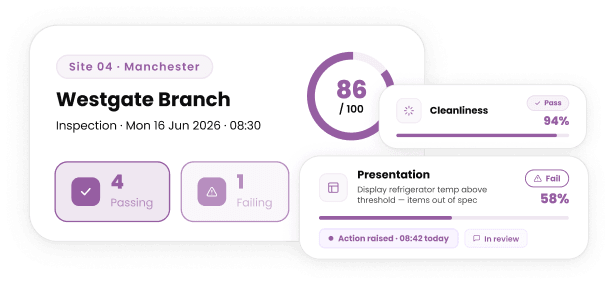
Hold every site to the same standard.

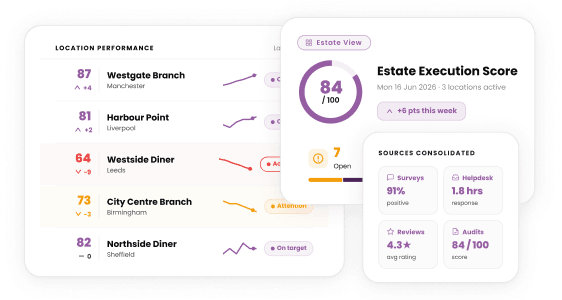
Bring every signal into one picture.

Show the difference with evidence.

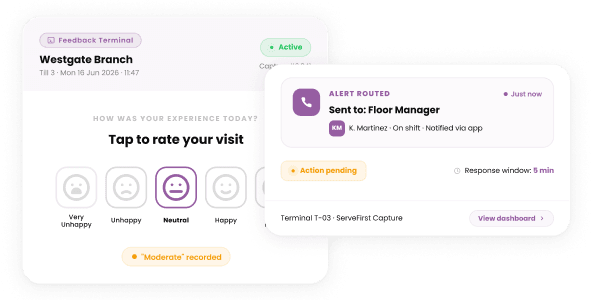
Turn each finding into a routed, tracked corrective action.
Client Connect is a B2B client feedback tool built into Serve First. Account and customer success teams use it to send structured review invitations to their clients and see the responses sit alongside the operational data already in the platform, so feedback connects to what was actually delivered.
A standalone tool tells you what a client thinks. Client Connect shows what they think next to your audits, tickets and KPIs, so you can see the cause behind the score. It runs in the platform your team already uses, with no second login and no integration to maintain.
It is built for B2B service businesses where the client relationship is contract-driven, multi-stakeholder and renewable. The day-to-day users are account managers, customer success leads and operations directors who own client relationships and need something they can run themselves.
Yes. You manage clients and contacts in a lightweight CRM view and can weight responses by seniority, so you hear from every stakeholder who shapes the relationship, not just a single contact, and a client with many sites still rolls up to one account view.
On whatever cadence suits the relationship: monthly performance check-ins, quarterly business reviews, annual relationship reviews or an ad hoc post-meeting survey. Sends can be scheduled and recur per contract, and every invitation is tracked from draft through to response.
Client Connect is priced per contract, not per location, per user or per response, which matches the way the relationships you are protecting actually renew. Talk to us for current pricing and the tier that fits the number of contracts you manage.